

Every hosting company says it takes security seriously. It’s on the home page, usually next to a padlock. That sentence tells you nothing about web host security, because nobody writes the opposite.
What does tell you something is how a host answers specific questions. A host that has done the work can answer in a sentence or two, with details. A host that hasn’t will send you back to the padlock. Below are the security questions we’d ask before trusting a host with a business website, and what a good answer sounds like.
How are websites on the same server kept apart?
Most hosting is shared in some way: your website sits on a server with other websites. That’s fine, as long as they’re properly separated. The risk is that a hacked or badly behaved site next door can read your files, reach your database or use up the server.
A good answer mentions that each website runs as its own system user, with its own PHP process pool, that PHP can only touch the website’s own folder, and that SFTP or SSH logins are locked inside that folder. It should also mention per-site limits on CPU, memory and disk, so a busy neighbor can’t starve you. If the answer is “we use the latest technology,” ask again.
We go into this in more detail in our post on why website isolation matters.
How are the servers hardened?
Hardening is the dull, essential work of closing doors that don’t need to be open. On a well-run web server, that usually means:
- A firewall that blocks everything by default and only opens the ports that are needed
- Administrator SSH logins with keys only, no passwords
- Something that blocks addresses after repeated failed logins
- Risky PHP functions switched off for websites
- Uploaded files that can’t be run as code
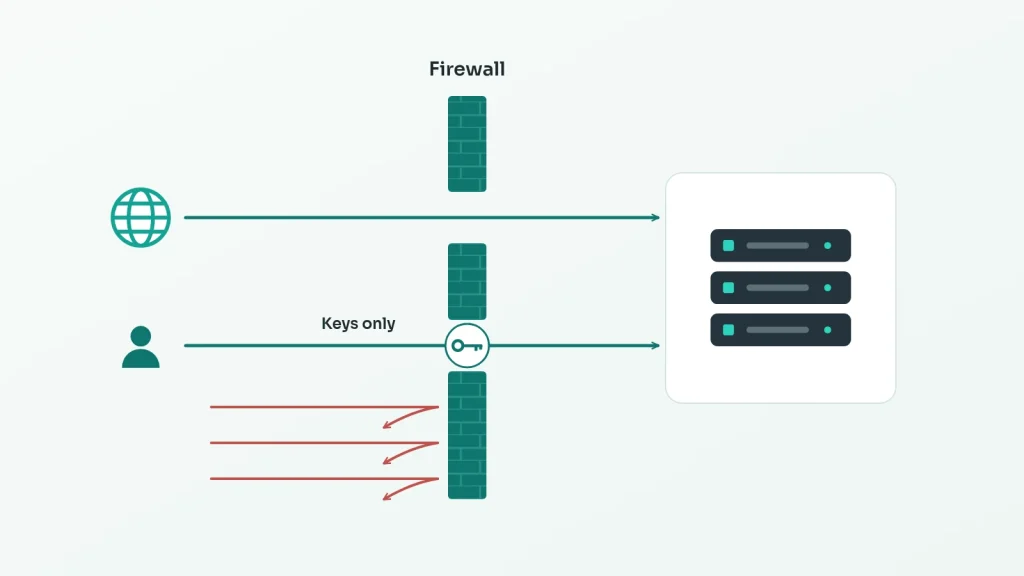
It’s also worth asking whether servers are built by hand or from code. Servers built from the same automated recipe come out the same every time, which means a fix made once is applied everywhere, and no server is quietly missing a setting someone forgot.
Who applies security updates, and when?
Software gets security fixes all the time: the operating system, the web server, PHP, the database. A server that isn’t updated collects known holes, and known holes are the ones attackers scan for.
Ask whether operating system security updates install automatically, and which PHP versions you can run. Old PHP versions stop getting security fixes; the PHP project publishes the dates, so you can check a host’s list against it.
Then ask the question people forget: who updates the website itself? On many plans the host looks after the server and you look after WordPress, its plugins and its theme. That’s a reasonable split, but you need to know it’s yours, because outdated plugins are one of the most common ways sites get broken into.
Can I protect my login with two-factor authentication?
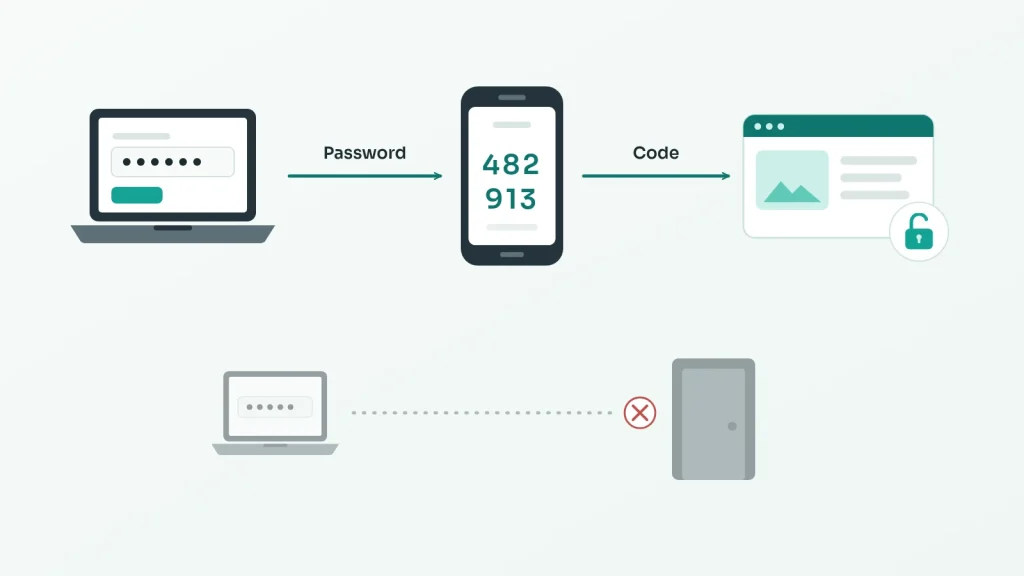
Your hosting login is the master key. Whoever has it can change your files, download your database, point your domain somewhere else or delete the site. A password alone is a thin lock for that, especially if it’s been reused anywhere.
Ask whether the control panel supports two-factor login with an authenticator app, and whether anything extra is asked before sensitive actions like opening a command line on your site. Also ask whether login attempts are limited, so nobody can guess passwords all day.
Can each person on my team have their own login?
Shared logins are a quiet security problem. When your developer, your bookkeeper and your marketing person all use the same password, you can’t tell who did what, you can’t remove one person without changing it for everyone, and the password ends up in a few too many inboxes.
A good host lets you add people with their own logins, give each person only the access they need, and limit which websites they can see. When someone leaves, you remove their login and nothing else changes.
Where are backups kept, and are they encrypted?
A backup stored on the same server as your website goes down with it. If the disk fails or the server is compromised, the backups are in the same place as the problem. Ask where backups are stored, and get a clear answer that they’re somewhere else.
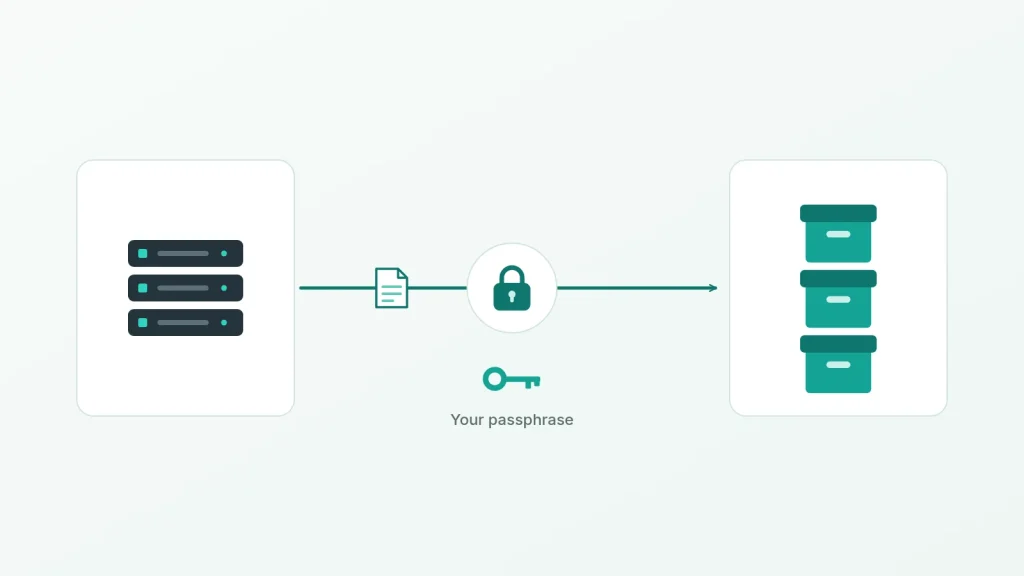
Then ask whether they’re encrypted, and who holds the key. Backups are a complete copy of your site, including the database with customer details. Encryption with a passphrase you set means a copy is useless to anyone who doesn’t have it. The trade-off is real: lose the passphrase and the backup is useless to you too.
Finally, ask whether you can restore a copy yourself, without a ticket or a fee. Our post on whether you can actually recover from your backups goes further, and our two-factor login guide shows what a good setup looks like.
Who can get to my data?
This one is about the paths into your site that aren’t the front door. Ask:
- Can my database be reached from the internet, or only from the server it lives on?
- Is SSH available, and can it be limited to my keys and my IP addresses?
- Can SFTP be switched off when nobody is using it?
- Who stores my card details: the host, or a payment processor?
- How do your own staff and systems reach the servers?
Fewer open paths means fewer things to attack. A database that only answers on the server itself can’t be guessed at from outside. An SFTP login that’s switched off can’t be leaked.
What happens if something goes wrong?
No host can promise nothing will ever go wrong, and you shouldn’t trust one that does. What you want to know is what happens next.
Ask how the host finds out about problems on its own servers, how you’d be told about anything that affects your site, and what help you get if your own website is hacked. Some hosts offer malware cleanup as a paid service, some include it, and some will help you restore a clean backup and leave the cleanup to you. Any of those can be fine. What isn’t fine is finding out which one you have in the middle of an incident.
Is there a record of who changed what?
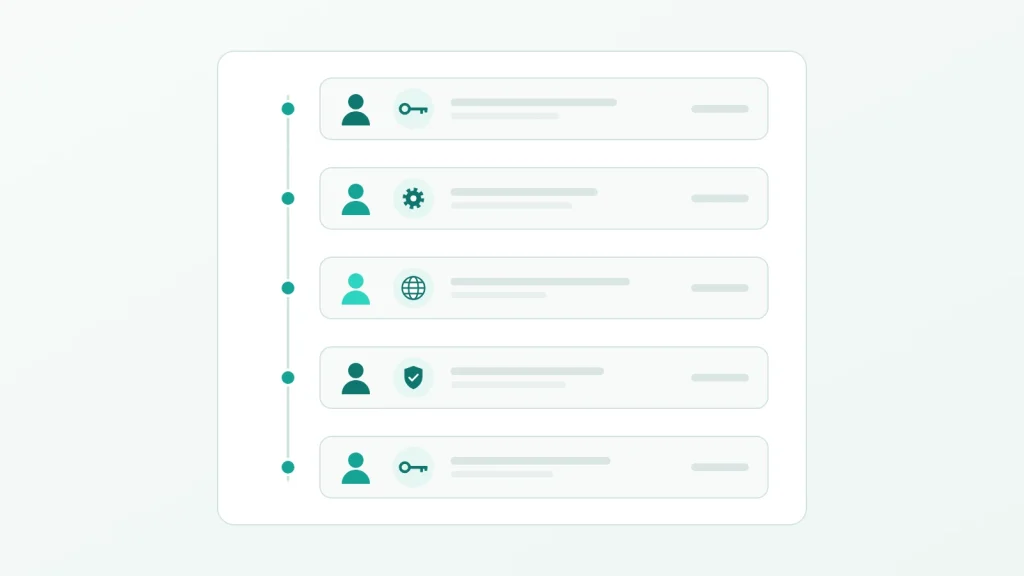
When something changes unexpectedly, the first question is who did it and when. An audit log in the control panel answers that: who signed in, who changed a setting, who added a login. It’s also how you spot a login you don’t recognize before it does damage.
Ask whether the control panel keeps an audit log, and whether it covers the actions that matter, such as changes to logins, domains and backups.
How Ateculus answers these web host security questions
Here are our own answers, including where we stop.
- Each website has its own Linux user, PHP pool and resource limits. Uploaded files can’t run as PHP, and SFTP and SSH stay inside the website’s folder.
- Servers are built from code with automatic security updates, key-only SSH, a deny-by-default firewall and fail2ban. We manage the servers and PHP 8.4 and 8.3; you update WordPress, plugins and themes.
- Two-factor login is available to everyone, the consoles ask for a fresh code every time, sensitive changes get a second check, and changes are written to an audit log our team can look up if something looks wrong. Team logins have their own permissions.
- Backups are encrypted with your passphrase, stored off the server, and restored by you.
- Databases can’t be reached from outside the server, and card details are kept by Stripe.
On Scale and Pro, WordPress websites also get a nightly security score that flags known holes in plugins and themes. We don’t offer malware scanning or cleanup as a product. If your site is hacked, open a ticket and we’ll help you work out what happened and restore. The details are on How it works.